Some things are for sharing, like your favorite animal. Some things are not for sharing, like where you live. When you use a phone, tablet, or computer, it is important to know the difference. That helps keep you safe.
Private means information that should be kept to yourself and trusted adults who help take care of you. Not everyone online should know things about you. A screen may feel friendly, but you still need to be careful.
Private information is personal information that should not be shared online or on a device unless a trusted adult says it is okay. This can include where you live, your phone number, your password, and pictures that show too much about you or your home.
If a game, video, app, or message asks you for personal details, stop first. You do not have to answer by yourself.
Some information should stay private, as [Figure 1] shows with easy examples. You can share simple things like a favorite color with a trusted adult nearby, but you should keep private details off the screen unless an adult helps you.
Keep your password private. Keep your home address private. Keep your phone number private. Keep your full name private if a trusted adult has not said it is okay to share. Keep pictures of your house, your room, or where you go every day private too.
A good rule is this: if the information helps someone find you, reach you, enter your account, or learn too much about your family, it stays private.
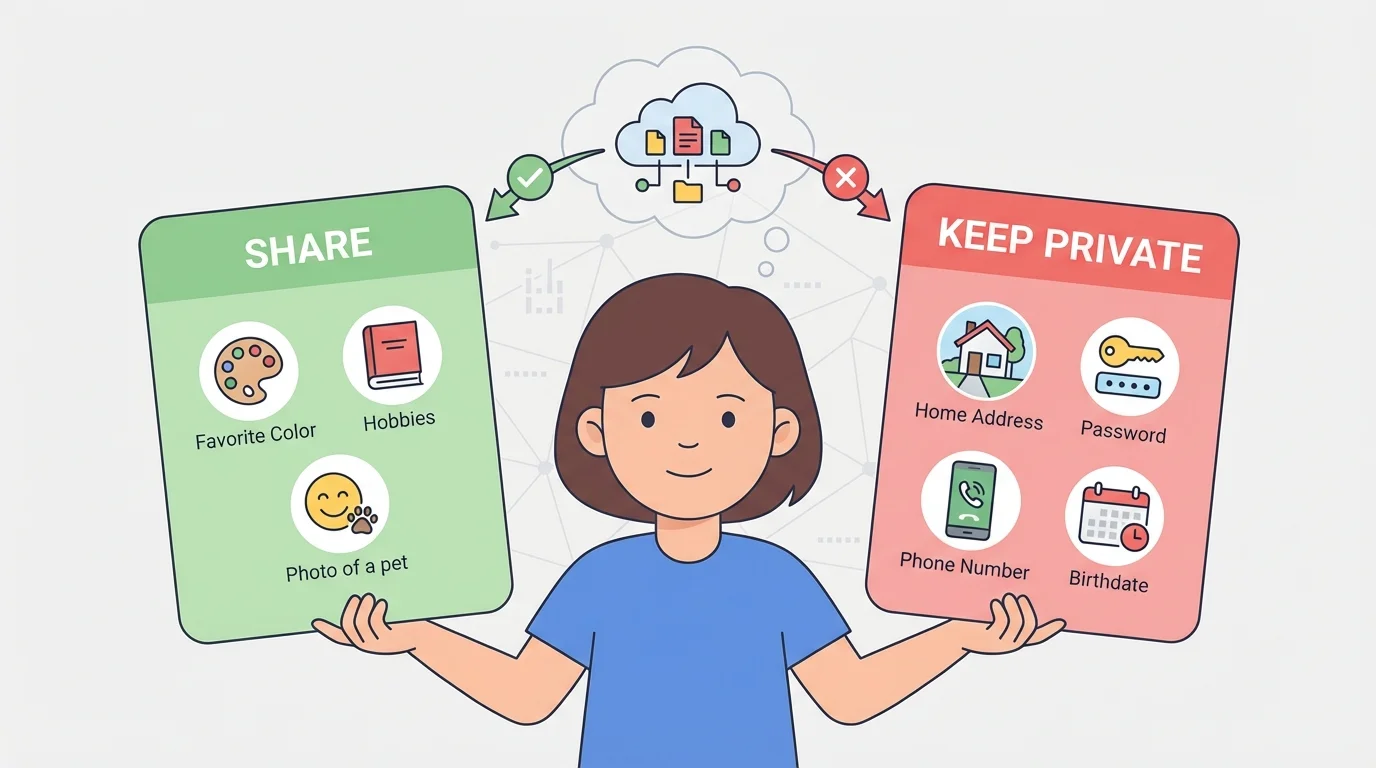
Here are some examples. "I like dogs" is usually okay. "My house is on Oak Street" is private. "My nickname is Sunny" may be okay with adult help. "My password is starcat" is always private.
Even a picture can share private information if it shows a street sign, a house number, or a name on a backpack.
That is why looking closely at a picture before sharing it matters. The picture may show more than you meant to share.
When you are online, slow down before you tap. Some apps and games ask questions. Some messages may come from people you do not know. You do not need to answer every question.
You can use this simple safety check: Stop. Look. Ask. Stop before typing. Look at what is being asked. Ask a trusted adult if you are not sure.
If someone says, "Tell me your name," "Where do you live?" or "Send me a picture," do not answer right away. Close it or leave it there and get help.
Your safety check works best when you use it every time. A quick pause gives your brain time to notice, "This asks for private information." That small pause can protect you from sharing something important.
Being careful is smart. It is not rude to wait. It is not mean to say no. It is safe.
Sometimes a screen asks for information in a tricky way, as [Figure 2] shows. If that happens, the best choice is to stop, do not type, and tell a trusted adult right away.
A trusted adult might be a parent, guardian, or another grown-up who helps keep you safe. If a message pops up, if a person asks questions, or if a game wants private details, ask that adult first.
You can say, "This screen is asking me something," or "Someone wants my information." You do not need to fix it alone.
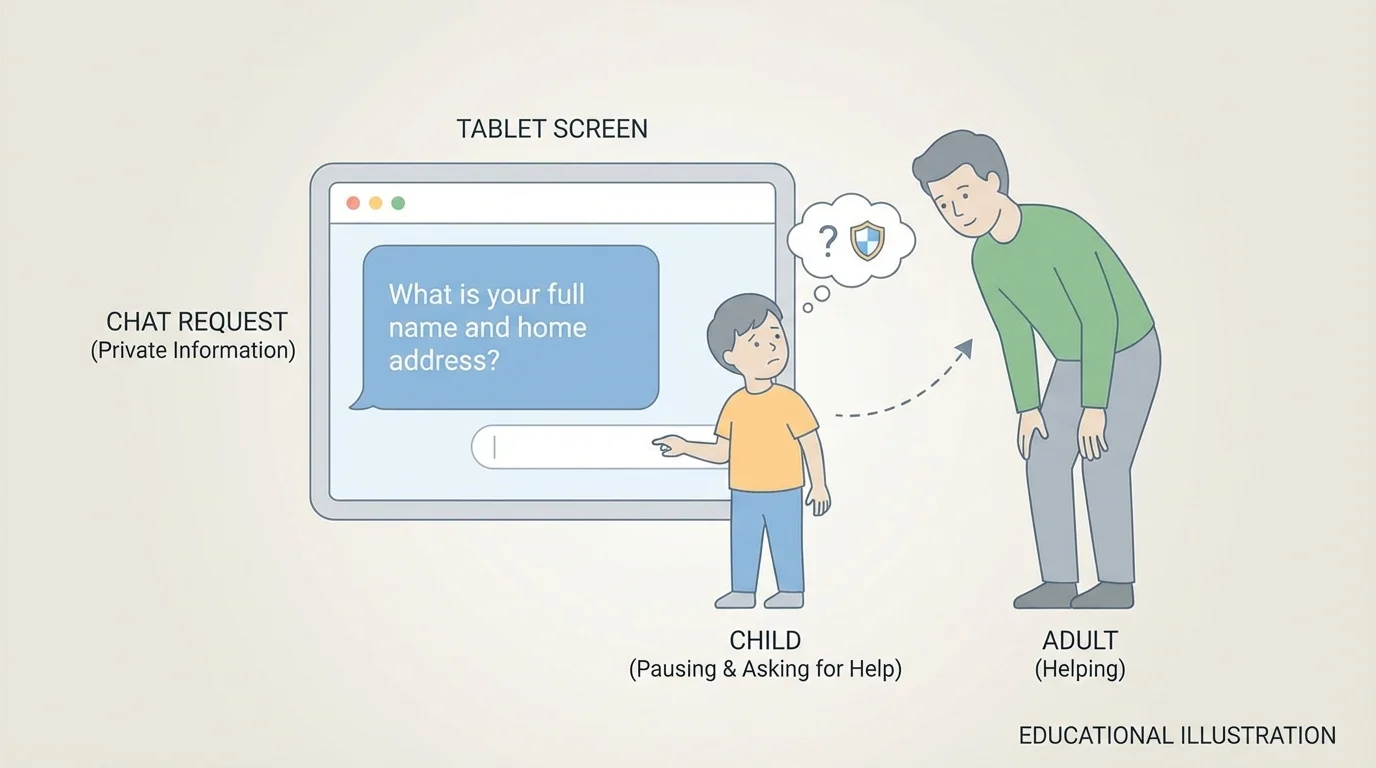
What to do right away
Step 1: Stop touching the screen.
Step 2: Do not type your name, address, phone number, or password.
Step 3: Show the screen to a trusted adult.
Step 4: Let the adult decide what to do next.
This is a strong safety habit. As with the message in [Figure 2], asking for help quickly keeps small problems from becoming bigger ones.
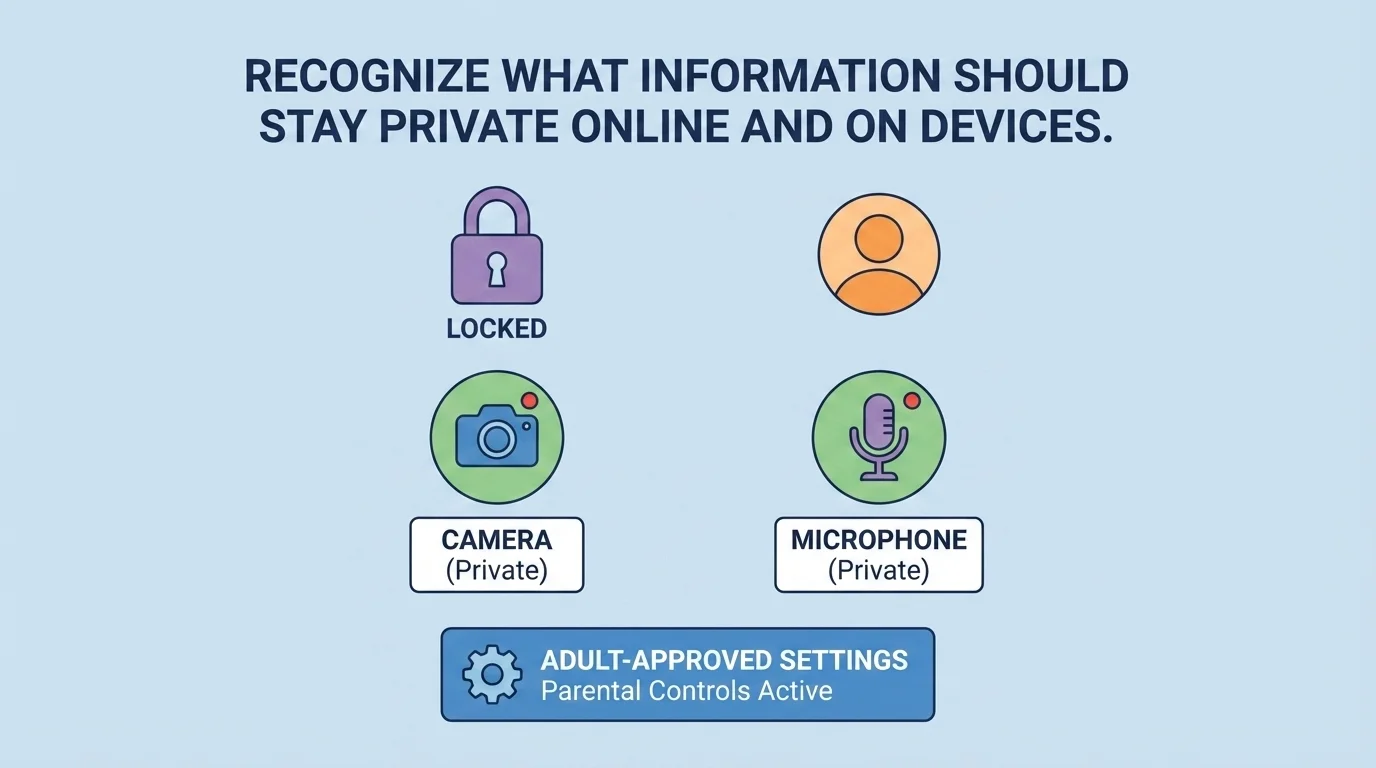
Your device can hold a lot of information, and [Figure 3] shows some important parts to notice, like the lock, camera, and microphone. A tablet or phone is not just a toy. It can save pictures, voices, names, and account information.
Do not share your device password with friends or strangers online. Do not change settings unless a trusted adult says yes. If the camera turns on, if the microphone asks to listen, or if an app wants permission, ask first.
When you finish using a device, put it in a safe place. If your family uses a lock screen, let the lock stay on. Locks help keep private information safer.
Be careful with photos and videos too. A fun photo can still show private things in the background. As we saw with the examples in [Figure 1], private information can appear in more than one way.
| Screen situation | Safer choice |
|---|---|
| A game asks for your name | Ask a trusted adult |
| A message asks where you live | Do not answer |
| An app wants to use the camera | Ask first |
| A friend wants your password | Keep it private |
Table 1. Safe choices for common online and device situations.
If private information is shared, someone may know too much about you. They may keep asking questions. They may try to get into your account. They may learn where you are. That is why privacy matters.
Good choices help you stay safer. When you keep passwords private, ask before sharing, and tell a trusted adult, you protect yourself and your family.
"If you are not sure, do not share."
This simple rule is easy to remember and useful every time you use a screen.
Before you share anything online or on a device, pause for a moment. Ask yourself: Is this private? Does it tell where I live, how to reach me, or how to open my account? If the answer might be yes, stop and ask for help.
Try This: The next time a game, app, or video asks you to type something, say out loud: "Stop. Look. Ask." That small habit can help you make safe choices every day.
