A tablet, laptop, or phone can be used by more than one person. That means your choices matter. When you use shared technology, you are not just using a screen. You are also showing kindness, care, and respect for other people.
Shared technology is a device that more than one person uses. At home, this might be a family tablet, a computer in the living room, or a phone a grown-up lets you use for a short time. Because everyone uses it, we treat it gently and wait our turn.
Using a shared device kindly means you remember, "This is for everyone." You do not grab it. You do not bang on it. You do not hide it when your turn is done. You help keep it safe so the next person can use it too.
Shared technology means a device that is used by more than one person. Taking turns means one person uses something, then another person gets a turn. A trusted adult is a grown-up who helps keep you safe, like a parent, caregiver, or teacher at your school.
Kind behavior with devices is part of everyday life. It helps the environment feel calmer, and it helps devices last longer.
Devices need gentle hands, as [Figure 1] shows. Before you use a tablet or computer, make sure your hands are clean and dry. Sticky fingers, wet hands, and rough grabbing can hurt a screen or keyboard.
Touch the screen softly. Use one finger if a grown-up has shown you how. Put the device on a table, desk, or another safe place. Keep drinks and snacks away. If you need to move it, carry it carefully with help if needed.
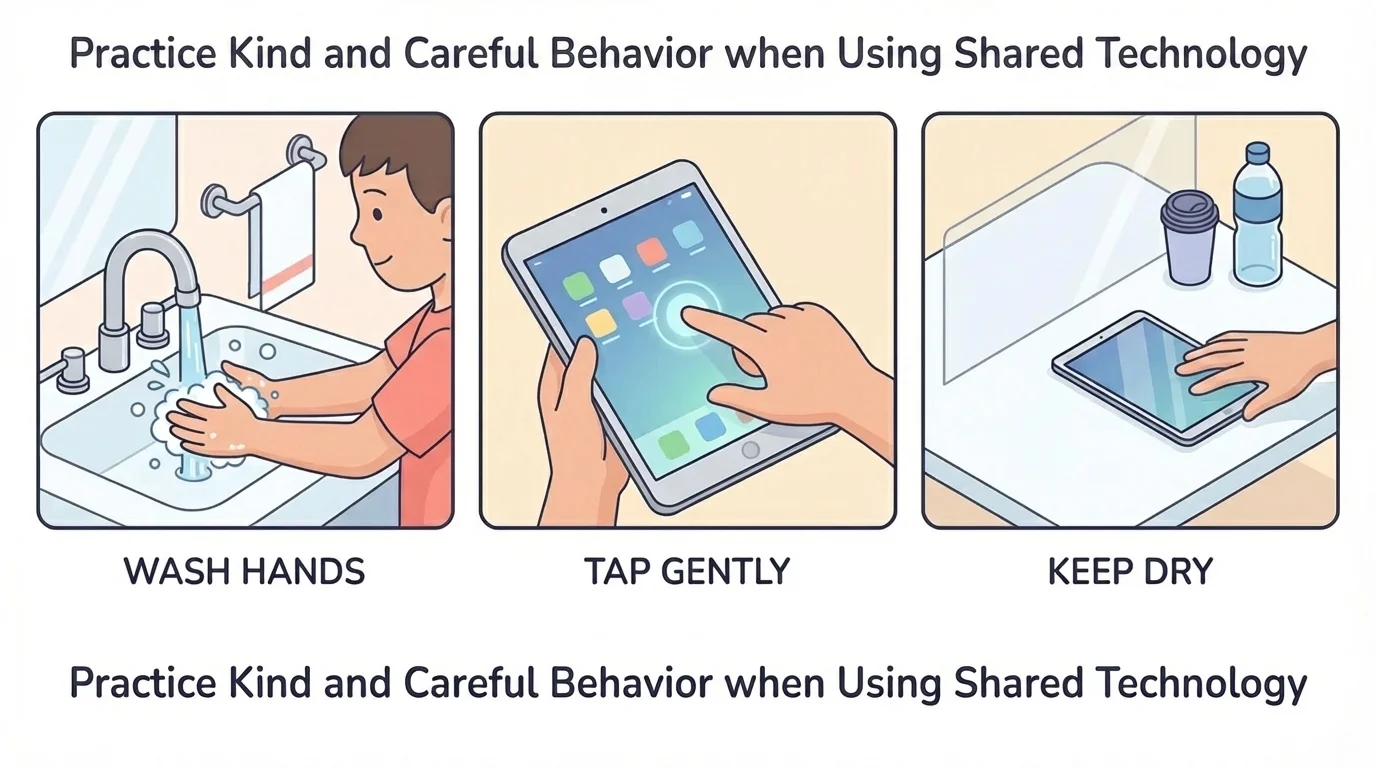
You can also be careful by asking first. If someone else is using the device, say, "May I use it?" Asking first is kind. It shows respect.
How to use a shared device carefully
Step 1: Look at your hands.
Are they clean and dry? If not, wash and dry them.
Step 2: Ask first.
Use simple words like "Can I have a turn?"
Step 3: Use a soft touch.
Tap gently. Do not hit, shake, or throw the device.
Step 4: Put it back safely.
When you are done, place it where it belongs.
When you treat technology well, it works better for everyone. That is a kind choice.
Sometimes only one person can use a screen at a time. That is when taking turns helps, as [Figure 2] illustrates. One person uses the device, then the next person gets a turn. Waiting can feel hard, but kind waiting keeps sharing peaceful.
You can use simple words: "My turn next, please." Or "I can wait." If a grown-up uses a timer, that can help everyone know when a turn starts and ends.
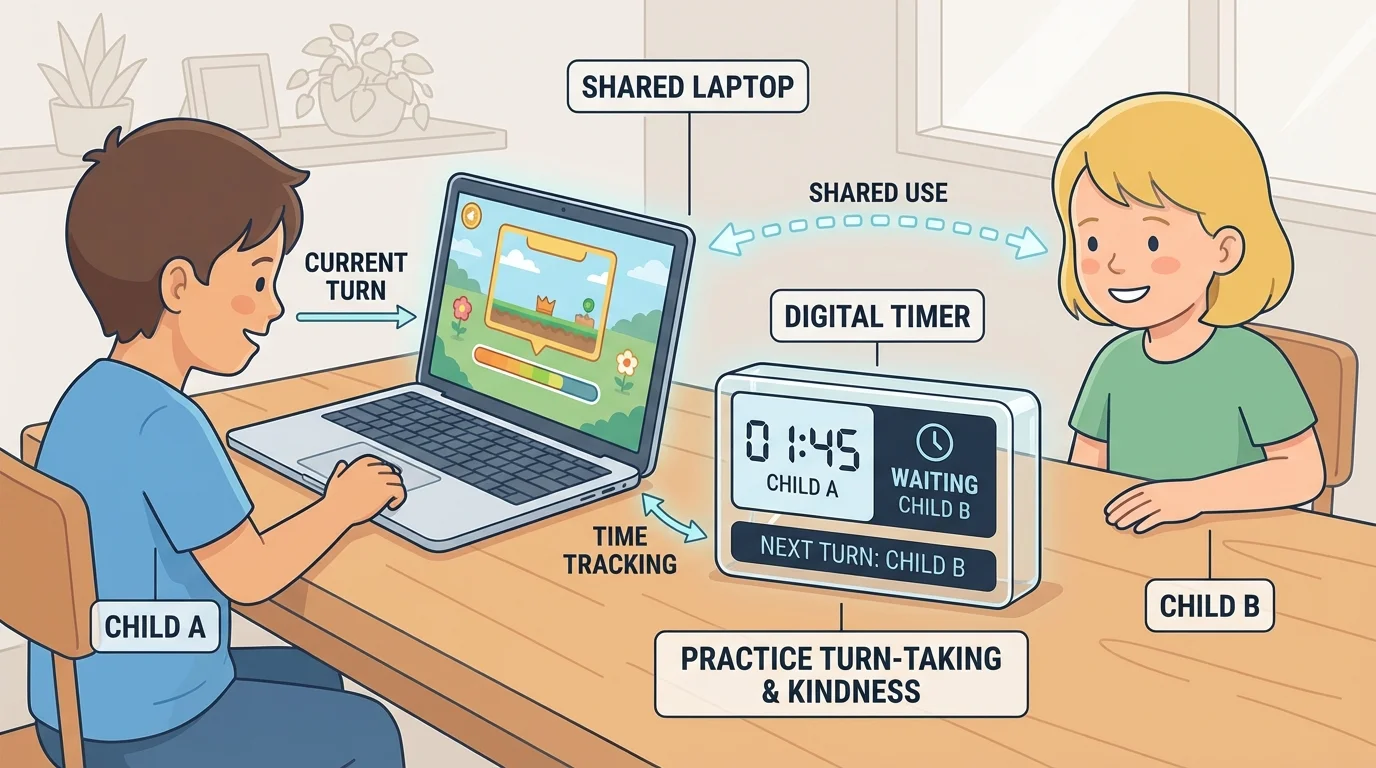
Grabbing, shouting, or crying over a device can make others feel upset. Calm words help more. If you are waiting, you can sit nearby, play with something else, or ask a grown-up what to do while you wait.
Young children can learn sharing by using the same simple words again and again. Short phrases like "your turn" and "my turn next" make turn-taking easier.
Later, when you get your turn, remember how it felt to wait. That can help you be fair and kind to the next person.
Sometimes a screen changes, a sound starts, or a button gets tapped by mistake. If that happens, stop and ask a trusted adult for help, as [Figure 3] shows. You do not need to fix everything by yourself.
If something on the screen feels strange, loud, or confusing, take your hands off the device and tell a grown-up. If you spill a little water nearby, tell right away. If you cannot find the right button, ask. Getting help quickly keeps you and the device safer.
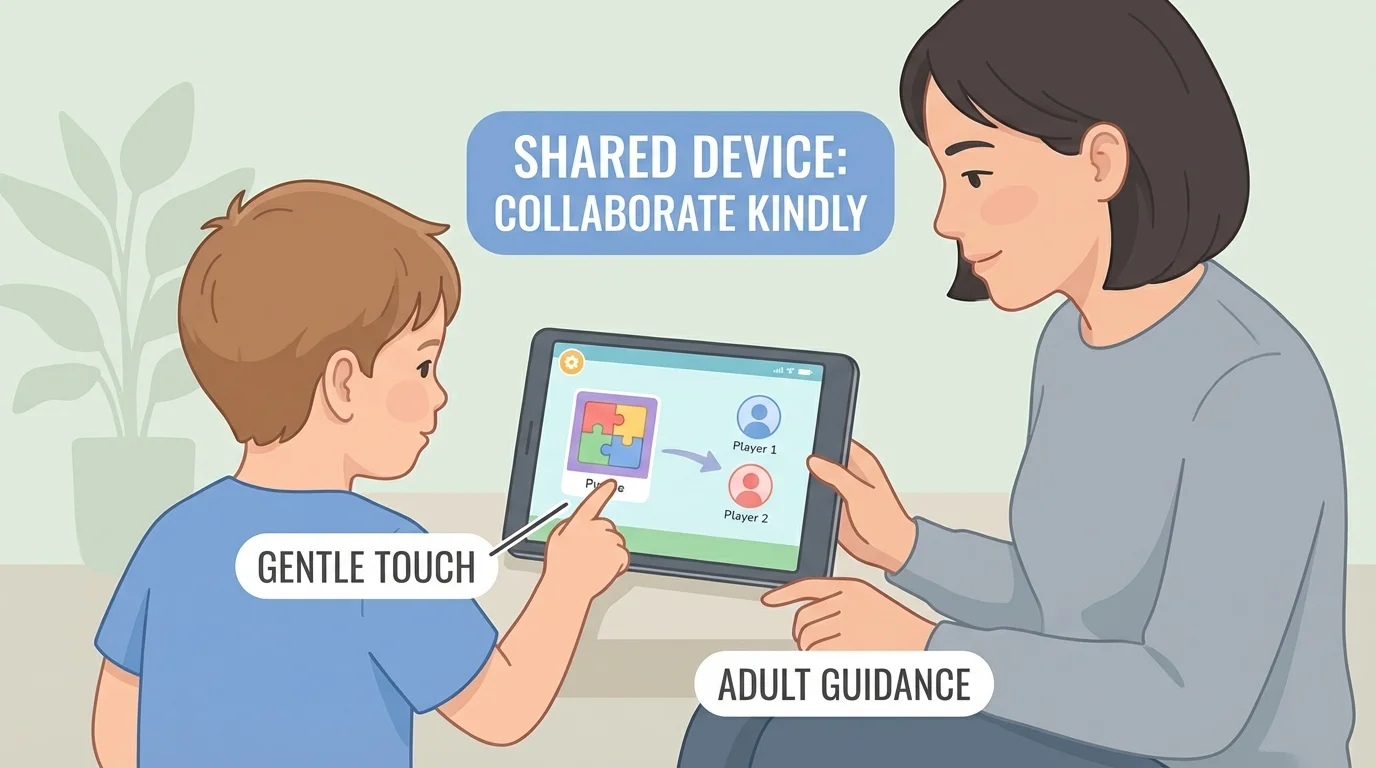
It is always okay to say, "I need help." That is a smart choice, not a bad one. Asking early can stop a small problem from becoming a big one.
Stop, look, ask
When you are unsure, use a simple safety routine: stop touching the device, look at the screen without pressing more buttons, and ask a trusted adult to help. This habit keeps you calm and helps protect the device.
The same careful habit applies when using headphones, microphones, or camera buttons. If you are not sure what a button does, pause first.
Sometimes shared technology is used for video calls, messages, or learning online. That means your words matter too. Kind digital behavior means speaking politely, listening, and not making loud noises into the microphone.
If another person is on a video call, do not grab the device or shout at the screen. Wait quietly or ask a grown-up when it will be your turn. If you are the one on the call, use a calm voice and kind words like "hello", "please", and "thank you."
Being respectful online is just like being respectful anywhere else. Your voice, hands, and choices all show care.
"Use it gently. Share it kindly. Ask for help."
The careful device habits in [Figure 1] also help during online time. Gentle hands and calm choices make it easier for everyone to hear, see, and take part.
You can remember a short routine each time you use shared technology. First, check your hands. Next, ask for a turn. Then, use the device softly. Last, put it back safely.
The turn-taking idea from [Figure 2] helps at home when more than one person wants the same screen. If your turn is over, letting the next person go is part of being fair.
If something feels confusing, remember the help routine from [Figure 3]: stop, look, and ask. You do not need to guess.
Everyday home example
You want to use the family tablet.
Step 1: You wash and dry your hands.
Step 2: You ask, "Can I have a turn?"
Step 3: You tap softly and keep the tablet on the table.
Step 4: When your turn is done, you give it back or place it in its safe spot.
Step 5: If something strange happens, you tell a trusted adult right away.
These small actions may seem simple, but they are powerful. They protect the device, help others feel respected, and show that you are growing into a careful technology user.
